The toolkit
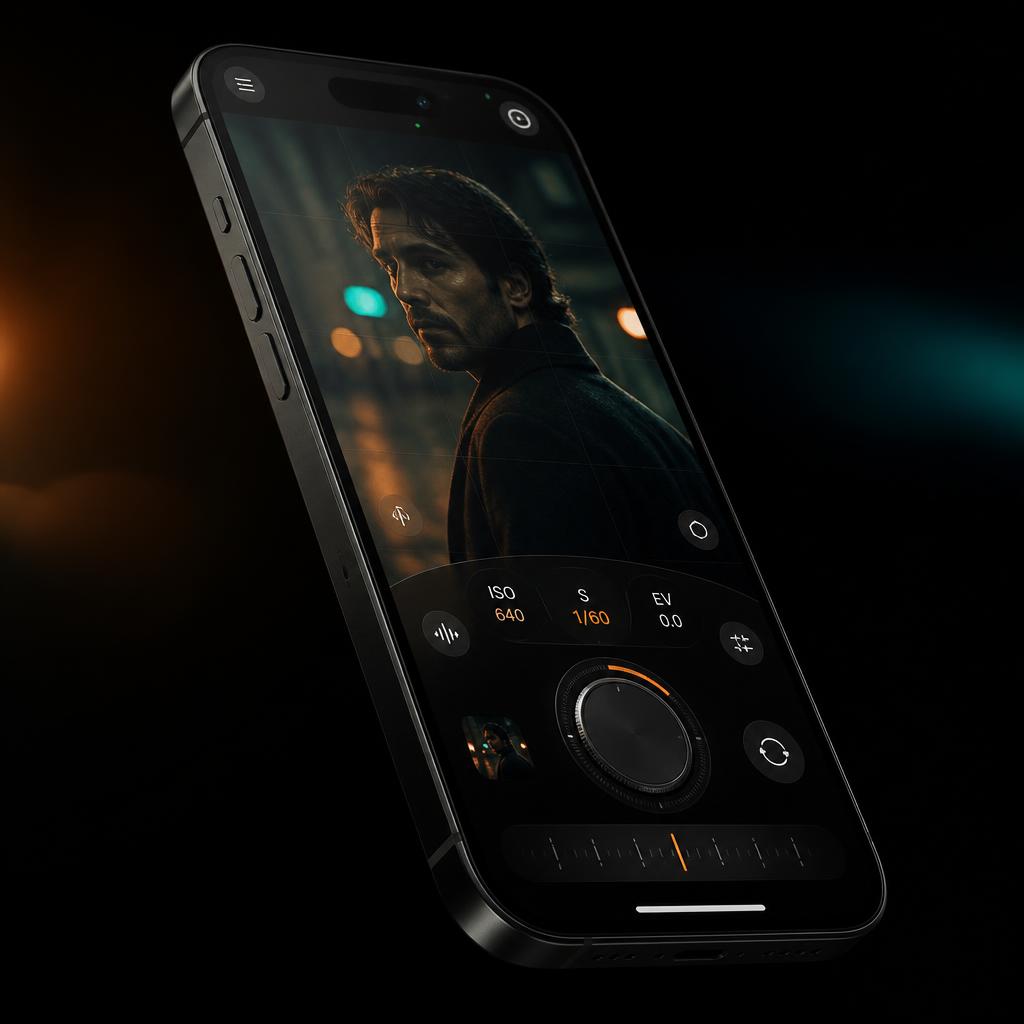
A complete street rig, in your pocket.
Every control a working street photographer needs, none of the friction. Lag-free dials, tactile feedback, and a sensor pipeline built for low-light precision on the move.
Capture Format
RAW
Capture Bayer DNG or Apple ProRAW with far more image information than a standard processed photo. RAW preserves the data needed for deeper control of white balance, exposure, color, highlight recovery, shadow detail, and noise reduction during editing. Choose RAW only for a clean master, RAW + HEIC for an immediately viewable companion, or a RAW-based HEIC workflow when you want the RAZR tone path. Highlight protection and professional capture controls help you build a file that can be shaped later instead of locking the final decision into the shutter press.
Custom Recipe
Moment
Build a complete camera recipe for a specific kind of shot, then save it as your own Moment. Each Moment can remember the camera mode, metering, EV, ISO and shutter behavior, white balance, focus, RAW format, highlight protection, active Look, and drive mode. Recall the entire setup in one tap instead of rebuilding it while the scene is changing. Update your custom Moments as your style evolves, or return to the original camera state when you are finished.
Color Direction
Looks
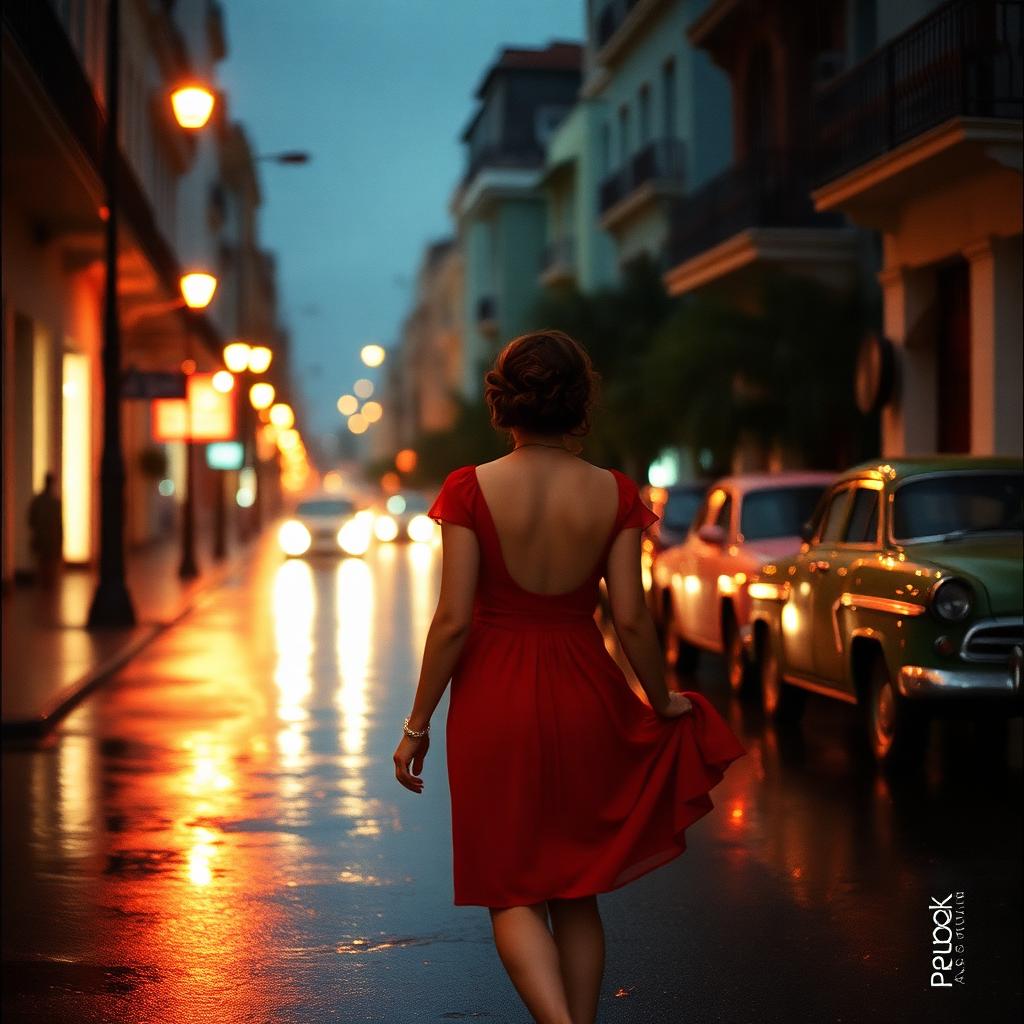
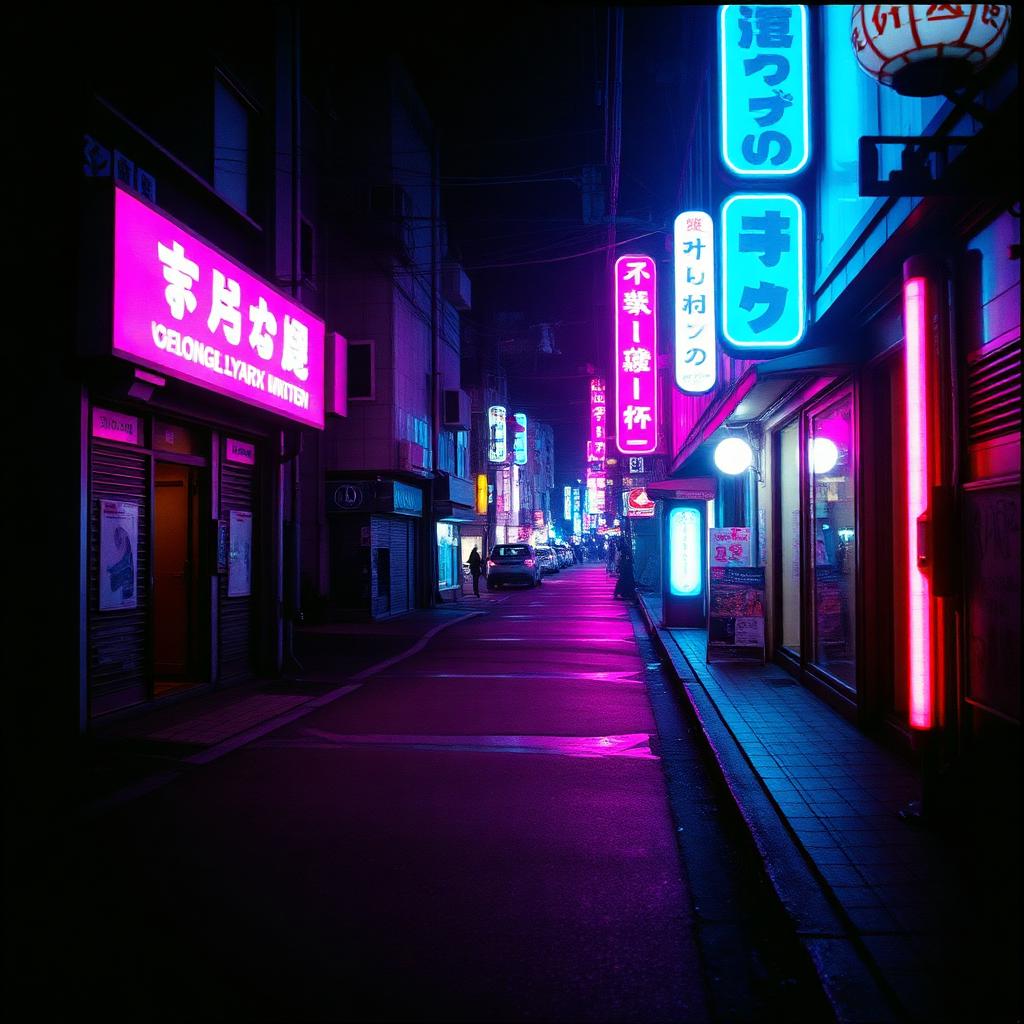
Choose from curated Looks or import your own LUTs to give the image a clear color direction before capture. The Metal-powered live preview shows the result in real time, so color, contrast, and skin tone can be judged while you frame. Adjust intensity to move from a subtle tone to a stronger finish without changing LUTs. When shooting RAW with a Look, RAZR can keep the RAW master untouched while saving a processed companion that matches what you saw.
Portrait Depth
Depth of Field
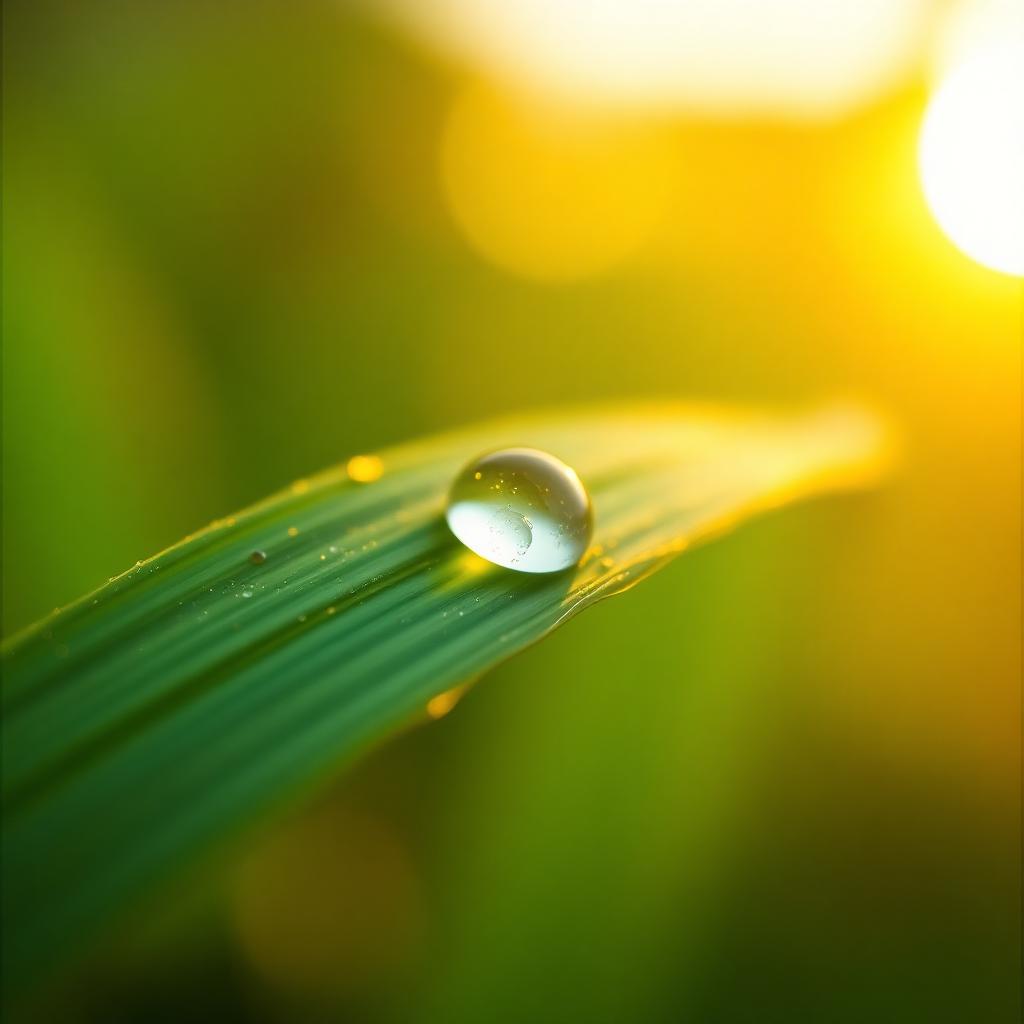
Shape the visual separation between your subject and its background with a depth-aware aperture workflow. RAZR can generate a precise subject mask, keep the important area sharp, and apply a natural blur to the surrounding scene with feathered transitions. Adjust the simulated f-stop during capture where supported, or open the Depth of Field editor afterward to control blur, mask feathering, and subject sharpness. The result creates stronger focus direction and portrait depth without requiring the effect to be permanently decided at the moment of capture.
Exposure Fundamentals
Triangle Exposure
Understand how shutter speed, ISO, and the available aperture or depth controls work together before you press the shutter. Slower shutter speeds gather more light and introduce motion, while faster speeds freeze action but require more light or higher ISO. ISO changes sensor sensitivity and brightness, with higher values trading cleaner detail for the ability to shoot in darker conditions. Program mode puts these relationships close to the frame so you can balance motion, depth, noise, and exposure with intention.
Multi-Exposure
Double Exposure
Combine two separate photographs into a single finished frame directly inside RAZR. After the first exposure, a transparent ghost preview remains in the viewfinder to help you align subjects, negative space, and the second composition. Choose Average, Screen, Lighten, or Darken blending to control how highlights, shadows, and overlapping details interact. The final high-resolution blend is processed after the second shot, giving you a deliberate multi-exposure workflow without leaving the camera.
Burst Mode
Capture Burst
Capture a rapid sequence when a single frame cannot reliably hold the decisive moment. Select a specific burst count for a controlled series or use continuous capture when the action has no predictable end. RAZR fires the sequence at a tight interval while preserving each frame for individual review, so expressions, gestures, and peak movement can be compared afterward. Burst settings can also become part of a saved Moment, making the same action workflow ready in one tap.